The ultimate IPTV player
for your LG TV
Experience seamless streaming with the best IPTV player for webOS. Manage your M3U playlists, browse the EPG, and enjoy your content like never before.
Get started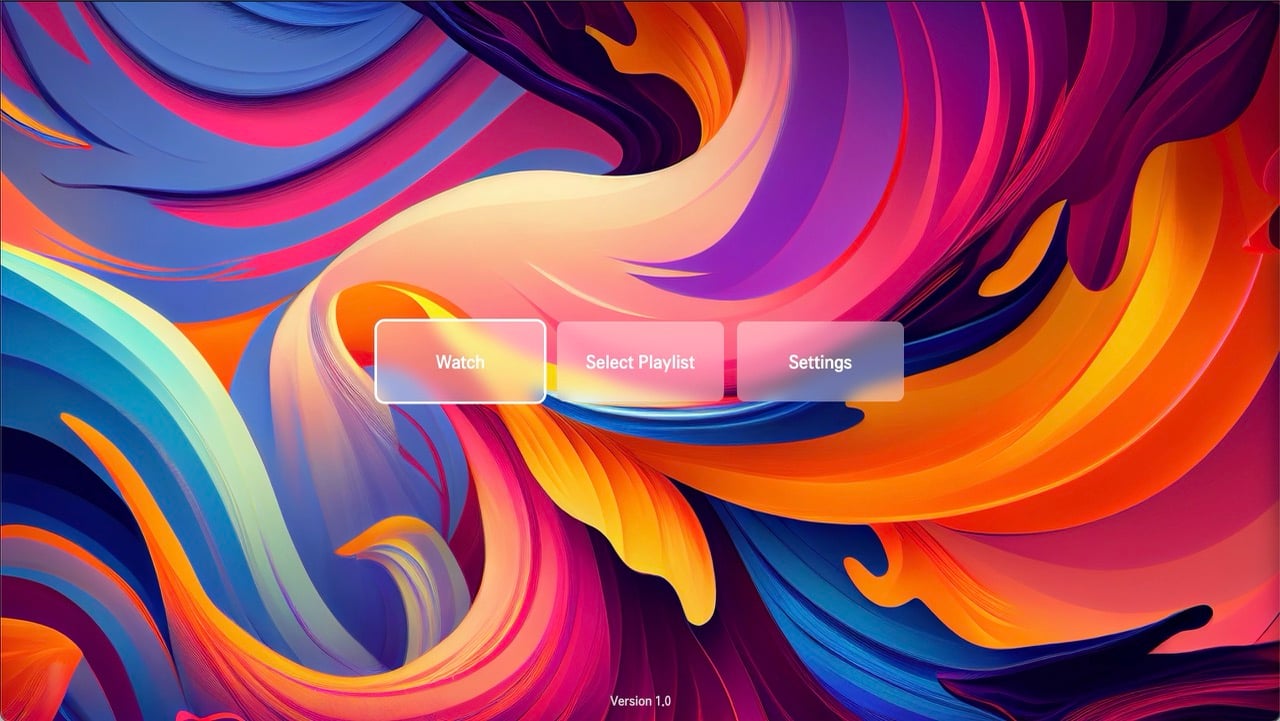

Get started in 3 simple steps
Setting up our IPTV player is quick and easy.
Install the app
Find and install "The Best IPTV Player" from the LG Content Store on your webOS TV.
Get your credentials
Launch the app for the first time. It will automatically generate and display your unique ID and Code.
Activate online
Visit our portal, log in with your credentials, and add your M3U playlist and EPG URLs.
Simple, one-time payment
Try before you buy. No subscriptions. No hidden fees.
Free Trial
£0
5-day trial
- Full access to all features
- No credit card required
- Test on all your devices
Full Access
£14.99
One-time payment
- All premium features included
- Unlimited devices on the same network
- Future app updates
Our IPTV player features
Everything you need for the perfect viewing experience on your LG TV.
Full program guide (EPG)
Navigate a beautiful and intuitive EPG. See what's on now and what's coming up next with a fast, interactive timeline.
Multi-playlist support
Add and manage multiple M3U playlists from different providers. Switch between them effortlessly from the settings menu.
Favorites & shortcuts
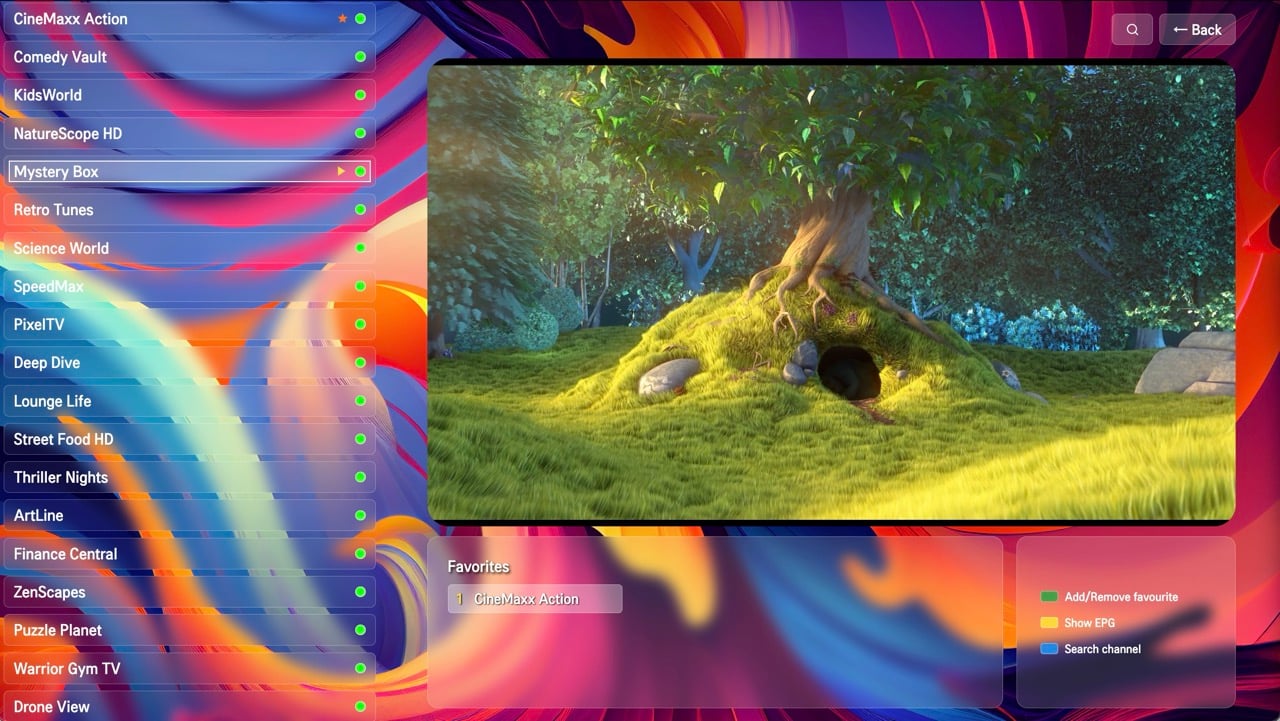
Never miss your favorite channels. Add them to a dedicated list and assign them to remote number keys (1-9) for instant access.
Sleek & customizable
Enjoy a modern "glass" design that looks stunning. Choose between Light and Dark themes to match your preference.
Advanced channel search
Quickly find any channel across your entire playlist with a powerful and instant search function.
Reliable streaming
Built with a robust HLS player that handles errors and retries to ensure the most stable and smooth viewing experience possible.
Frequently asked questions
Currently, our app is optimized and available for LG TVs running webOS. We are working on expanding to other platforms in the future.
After the 5-day trial, the app will be locked. To continue using it, you will need to make the one-time payment on our website using the 'Premium login' button. Once activated, your app will be unlocked permanently.
EPG stands for Electronic Program Guide. It shows you what's currently playing and what's scheduled to air. You can get an EPG URL (usually in XMLTV format) from your IPTV provider or a third-party source and add it in the app's settings to enable the program guide.
No, we do not provide any content. Our application is a media player that allows you to play your own content from your IPTV provider. You must have your own M3U playlist.
Yes! This is a key feature that sets The Best IPTV Player apart. We believe you shouldn't have to pay for a separate license for every device you own. You are free to use your license on as many devices as you like, as long as they are all connected to the same network. If devices from different networks use the same license, the last one to connect will take priority, and the previous one will be disconnected.